Android PDF Scanner & PDF Tools
PDF Scanner & PDF Tools for Android
Turn your Android phone into a powerful document scanner. Scan documents to PDF, sign PDFs, extract text with OCR, compress files, merge PDFs and manage your documents from one app.
Download on Google Play Explore Features
Scan to PDF OCR Text Sign PDF Merge PDF Compress PDF
Free to download · Works offline
Everything You Need to Handle Documents on Android
Scantrix brings scanning, PDF tools and signing together in one clean, fast app.
Scan Documents Fast
Capture receipts, contracts, notes, IDs and other documents and turn them into clear PDF files.
Powerful PDF Tools
Merge, compress, organize and manage PDF documents directly from your Android phone.
Sign & Work Anywhere
Add signatures and handle important documents without needing a desktop computer.
Scan Documents to PDF
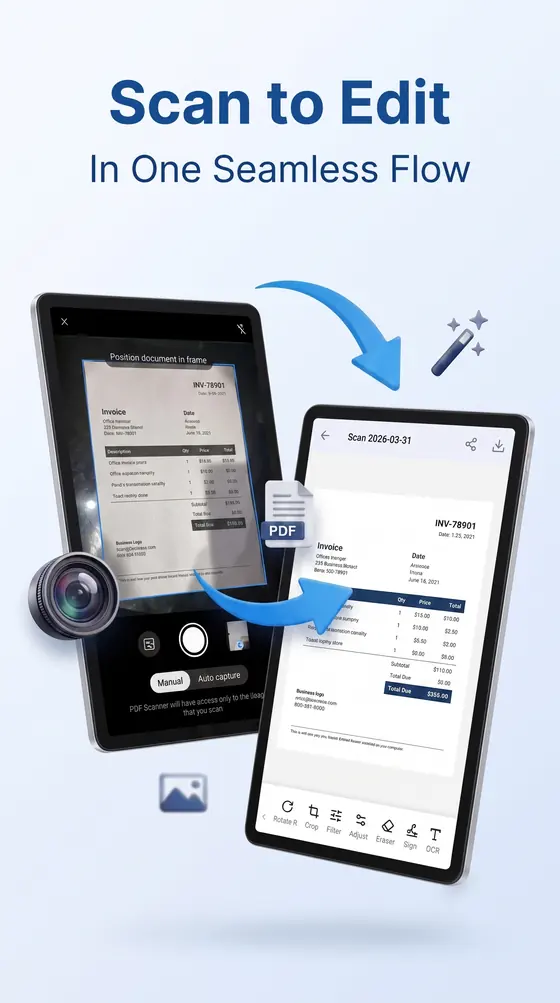
Use your phone camera to quickly capture paper documents and save them as PDF files. Scan contracts, receipts, invoices, notes, certificates and other documents wherever you are.
- Automatic edge detection and perspective correction
- Capture single pages or multi-page documents
- Save clean, readable PDFs straight to your phone
Essential PDF Tools in One App
Scantrix gives you useful PDF tools without switching between multiple apps. Manage, merge, compress and share your documents from a single workspace.
PDF to Word
Convert PDF to editable DOCX.
PDF to Excel
Extract tables to spreadsheet.
PDF to PowerPoint
Convert to presentation slides.
PDF to Image
Export pages as PNG images.
Word, Excel & PowerPoint to PDF
Convert Office files to PDF.
JPG / PNG to PDF
Convert images to PDF documents.
PDF to Text / OCR
Extract text from PDF with OCR.
Merge & Compress PDF
Combine PDFs and reduce file size.
Share PDF Documents
Send PDFs to contacts or other apps quickly.
Sign PDF Documents on Your Phone
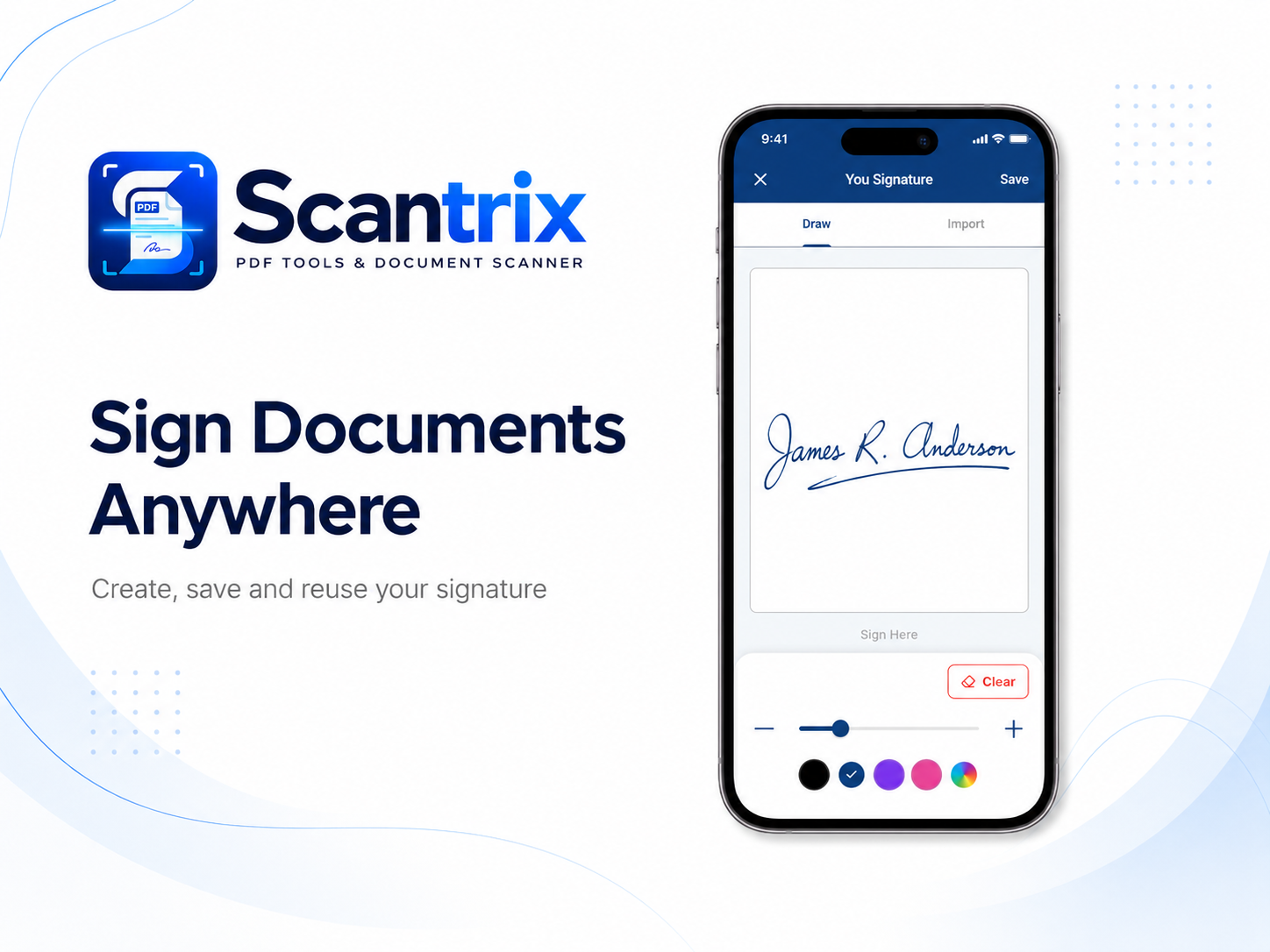
Add your signature to documents directly from your Android device. Complete forms, agreements and other paperwork without printing or scanning them again.
- Draw your signature with your finger or stylus
- Place, resize and position it on any page
- Save and share signed PDFs in one tap
Extract Text with OCR
Turn scanned documents and images into searchable text. Use OCR to quickly capture information from printed documents without manually typing everything again.
- Recognize text from scans and photos
- Copy, share or save the extracted text
- Works on printed documents and clear handwriting
Convert Files in Seconds
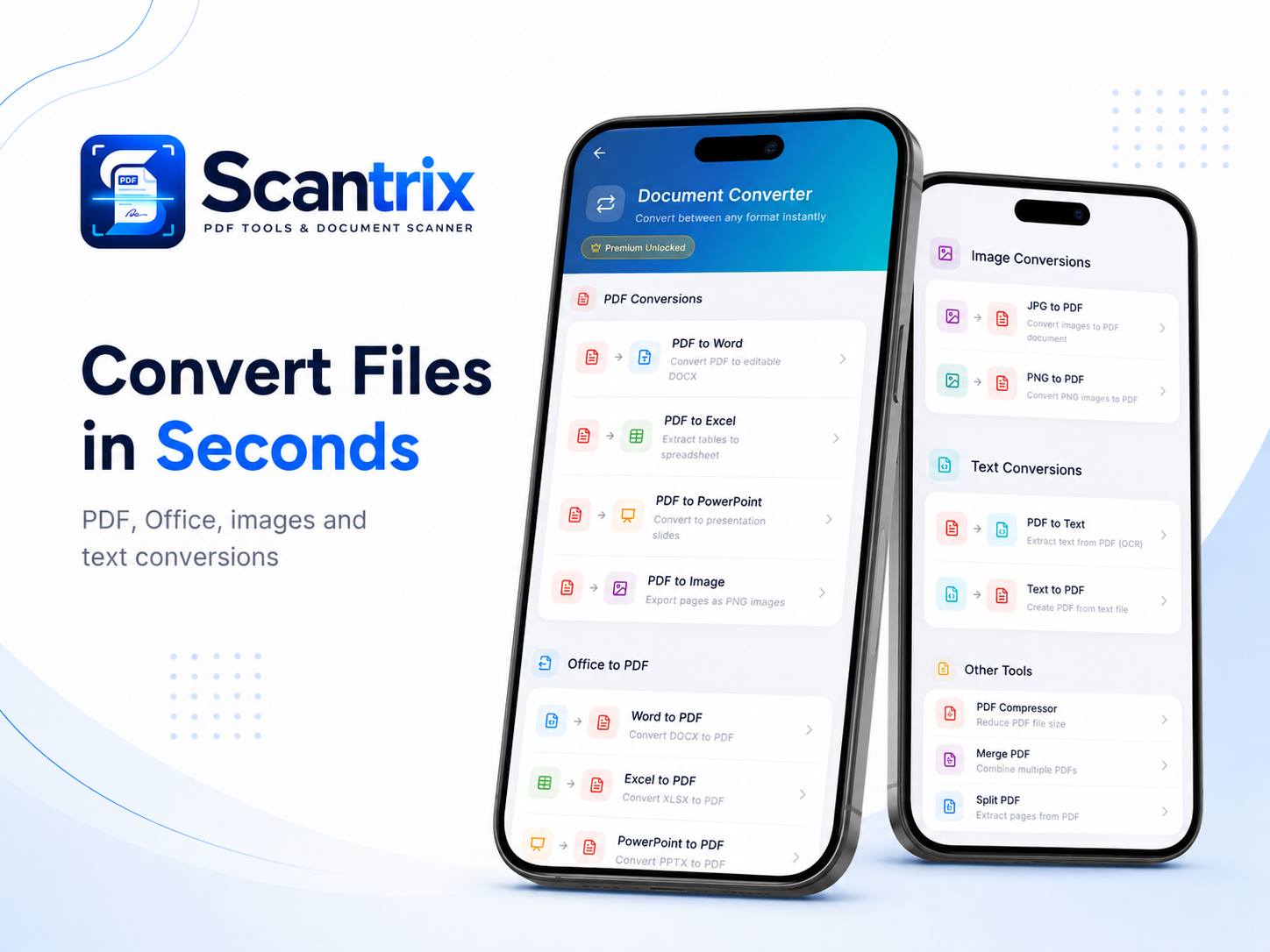
Convert between PDF, Word, Excel, PowerPoint, images and text from one workspace.
- PDF to Word, Excel, PowerPoint and Image
- Word, Excel and PowerPoint to PDF
- JPG and PNG to PDF
- PDF to Text / OCR and Text to PDF
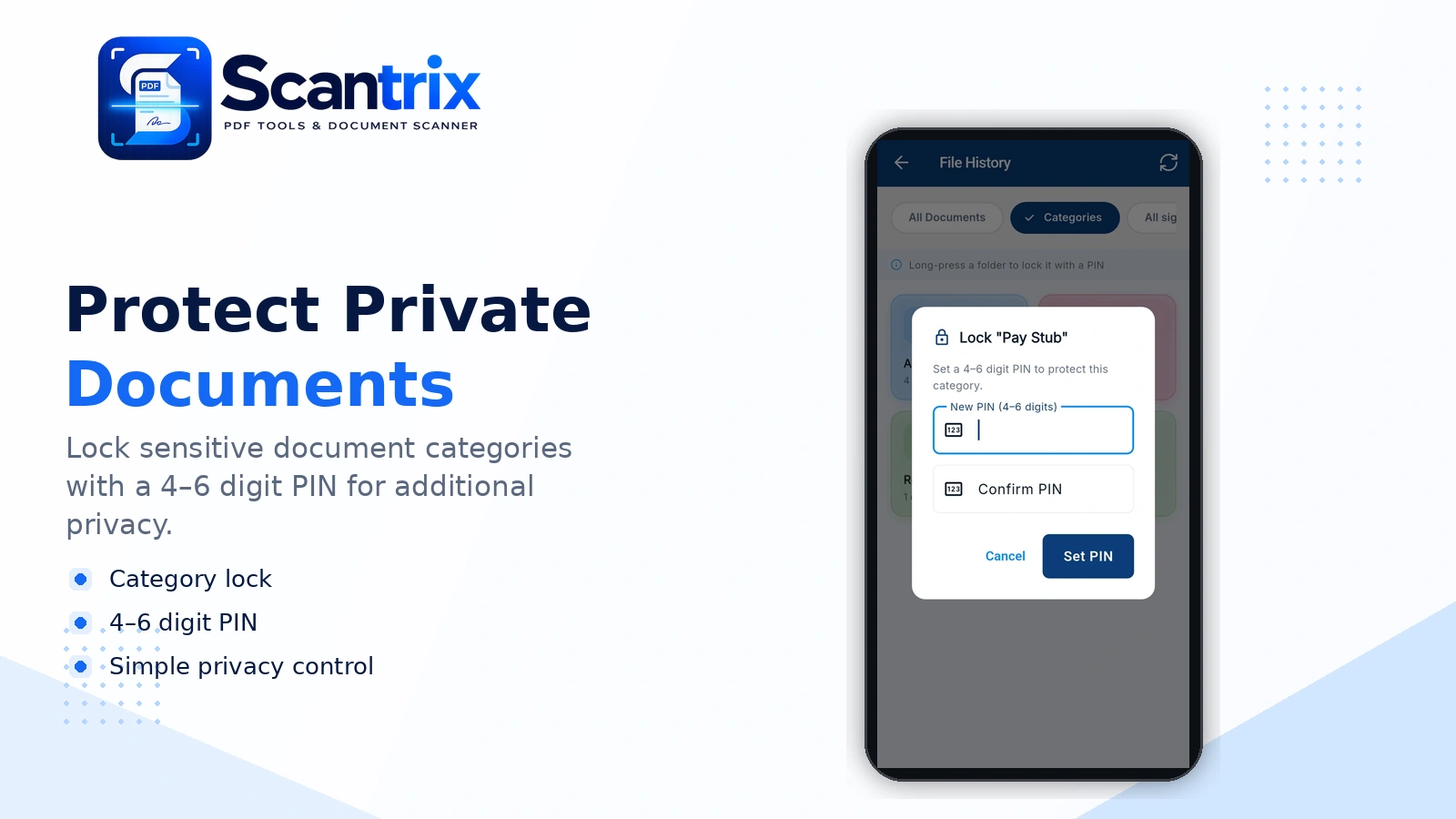
Protect Private Documents
Lock sensitive document categories with a 4-6 digit PIN for additional privacy.
- Category lock
- 4-6 digit PIN
- Simple privacy control
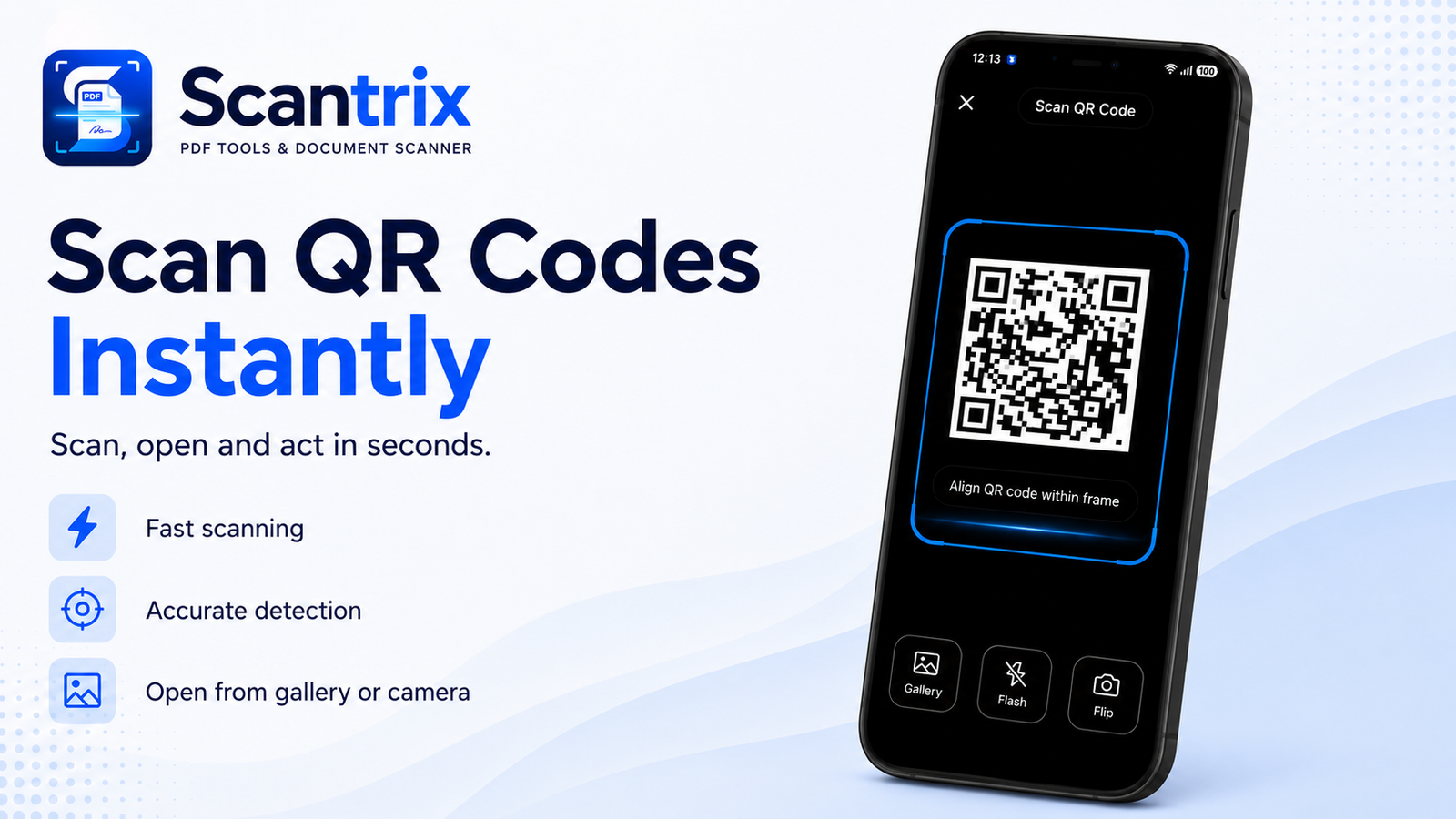
Scan QR Codes Instantly
Scan QR codes quickly using your camera or gallery and access the information in seconds.
- Fast scanning
- Accurate detection
- Gallery support
- Flash and camera flip
Unlock More with Premium
Access advanced tools, flexible exports, unlimited storage and an ad-free experience.
OCR Extraction
Free: 5 per day. Premium: unlimited.
Smart Categories
Free: none. Premium: unlimited.
Conversions
Free: limited. Premium: unlimited.
E-Signatures
Free: limited. Premium: unlimited.
Category Lock & Password PDFs
Premium only.
Export Formats
Free: PDF only. Premium: all formats.
Watermarks & Ads
Removed with Premium.
Storage
Free: 200 MB, 7-day. Premium: unlimited.
Try Premium Free for 24 Hours
Watch 2 short ads in the app to unlock Premium for 24 hours.
Ready to Try Scantrix?
Download Scantrix and start scanning, signing and managing PDF documents on your Android phone.
Why Choose Scantrix?
A focused, practical document app built for everyday work on Android.
Fast document scanning
Easy PDF management
Clean Android interface
Useful PDF tools in one place
Scan and sign anywhere
Designed for everyday personal and business documents
A PDF Scanner for Everyday Work
From the office to the classroom to home, Scantrix handles the documents you deal with every day.
Business
Scan contracts, invoices, receipts and signed documents.
Students
Digitize notes, assignments and study material.
Freelancers
Scan, organize and share client documents.
Personal Documents
Save receipts, certificates, forms and other important paperwork.
Turn Your Phone Into a Document Scanner
Scan, manage and work with PDF documents directly from your Android device with Scantrix.
Frequently Asked Questions
Quick answers about Scantrix and what it can do.
What is Scantrix?
Scantrix is an Android document scanner and PDF tools app that helps users scan documents, create PDFs, sign documents and manage PDF files from their phone.
Can I scan documents to PDF with Scantrix?
Yes. Scantrix lets you capture paper documents using your phone camera and save them as PDF files.
Can I sign PDF documents on Android?
Yes. Scantrix includes tools for adding signatures to PDF documents directly from your Android phone.
Does Scantrix include PDF tools?
Yes. Scantrix includes PDF management tools such as merging, compressing and organizing PDF files, depending on the current app version.
Is Scantrix available on Android?
Yes. Scantrix is available for Android through Google Play.
How much does Scantrix Premium cost?
Premium is available with 60% off at $2.39 per month, $14.39 per year (Best Value), or $27.59 as a one-time lifetime purchase. You can also unlock 24 hours of Premium by watching 2 ads.
Still have questions? Contact our support team
Privacy Policy · Terms of Service · Blog · Contact
© 2026 Scantrix PDF Scanner powered by Corelink Solutions FZE. All rights reserved.